Elevate analysis states
The Verdict column in the alert list displays the current state of the Elevate AI investigation for each alert. This article describes every possible state and what it means.
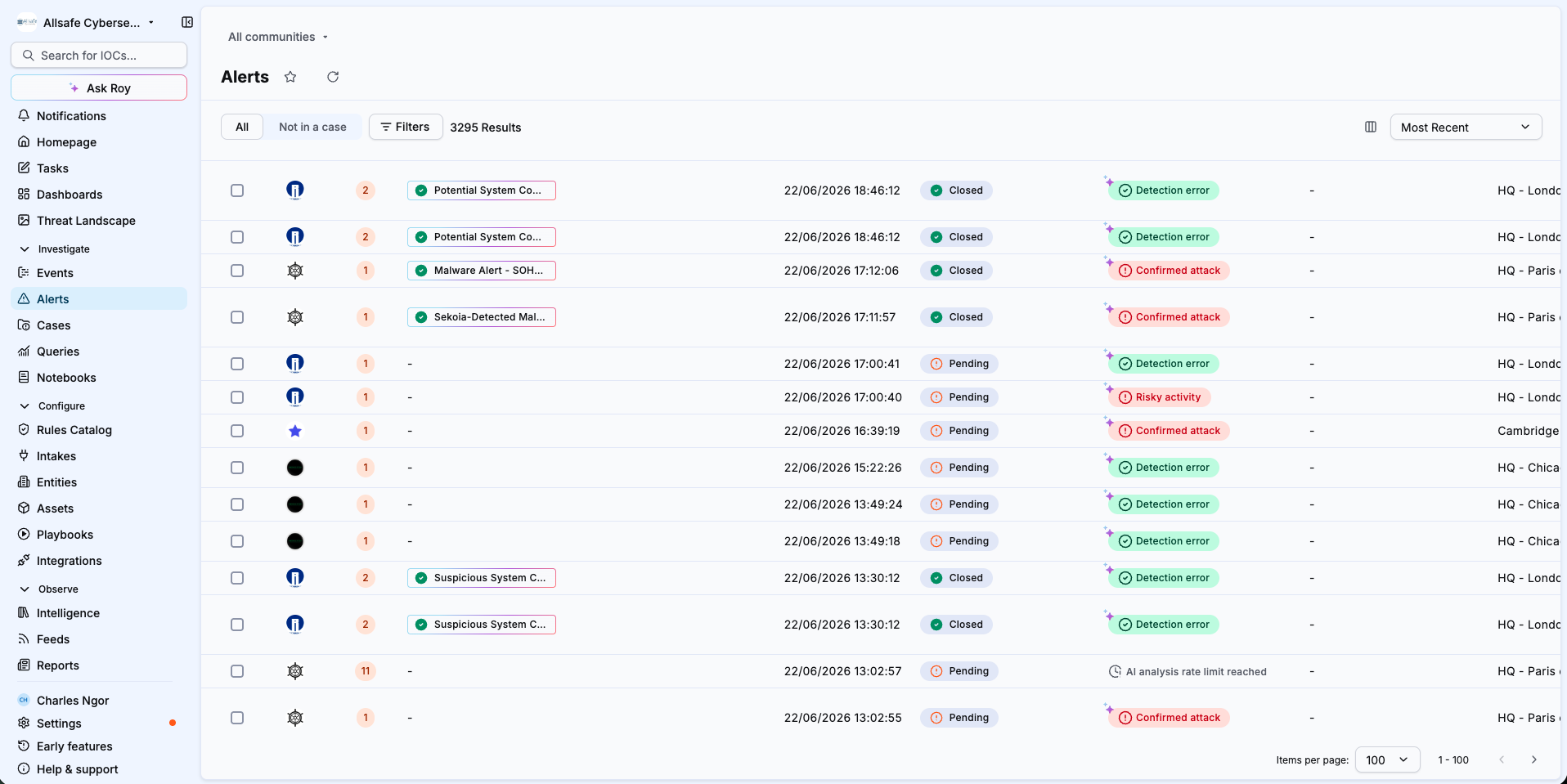
States reference
| State | Description |
|---|---|
| In progress | The AI agent is currently analyzing the alert. Results will be available shortly. |
| True Positive | The agent concluded the alert represents a real threat. A confidence score and explanation are available in the alert details. |
| False Positive | The agent concluded the alert is benign. A confidence score and explanation are available in the alert details. |
| AI analysis failed | The analysis could not be completed due to an internal error. You can retry by reassigning the alert to Roy. |
| AI analysis timeout | The analysis request timed out before completing. You can retry by reassigning the alert to Roy. |
| AI analysis rate limit reached | You have reached your per-minute AI analysis quota. |
| AI monthly quota reached | Your monthly run pack is exhausted. No new alerts are analyzed until your run pack resets at the start of next month. |
AI-generated vs. analyst-set verdicts
Verdicts set by the Elevate agent display a sparkle icon in the alert list. When an analyst overrides the AI verdict, the sparkle icon disappears and the verdict reflects the analyst's choice.
Related articles
- Elevate: Concept overview of how Elevate works and its key concepts.
- Override an Elevate verdict: How to override the AI verdict on an alert.
- Trigger a manual Elevate analysis: How to analyze an alert that was not processed automatically.
- Manage your Elevate runs: How to monitor and optimize your monthly run pack.